APRIL UPDATE 3 - Leadpipes Lead Types + Asset Classes
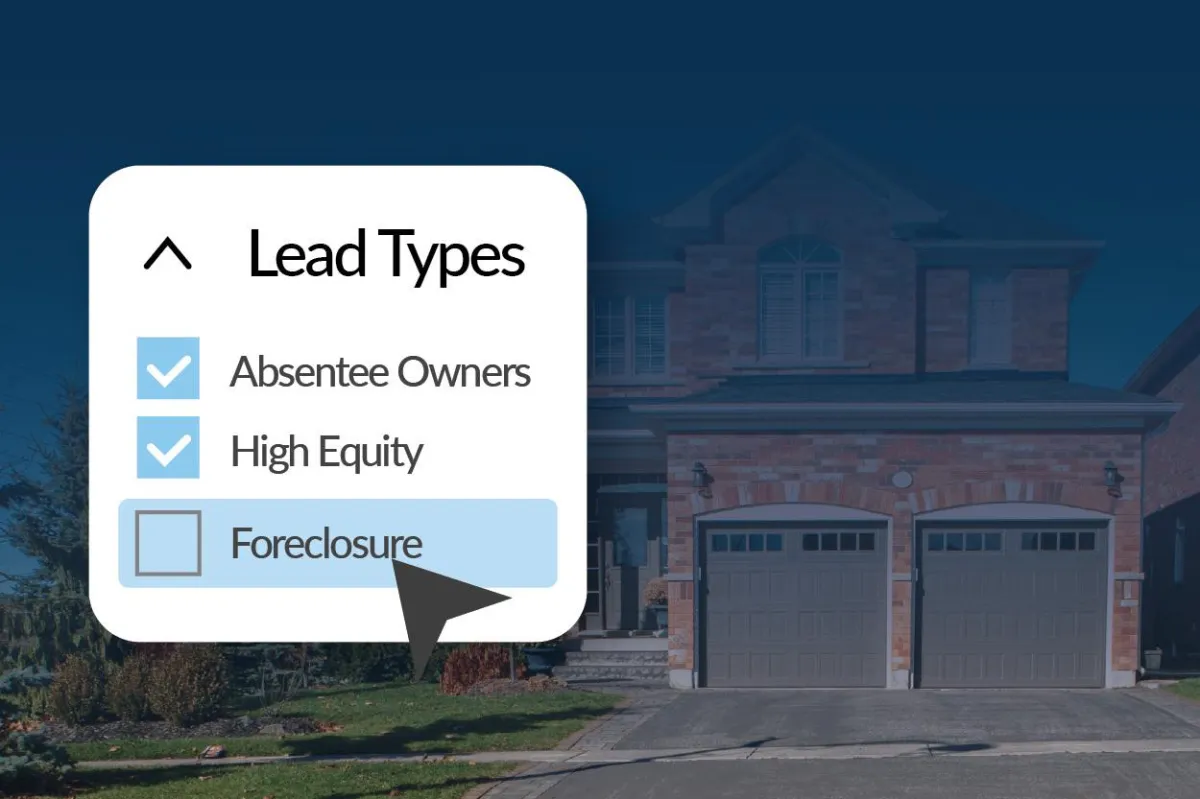
Leadpipes Lead Types + Asset Classes Now Easier to Find
We’ve got a great update for Leadpipes users, and it’s all about making your experience more intuitive and efficient.
What’s New?
Thanks to your feedback, we've made a major improvement to how users located Residential, Investor, and Commercial filters within Leadpipes.
Previously, these options were hidden in the search dropdown, causing confusion for many users. So we listened, and we simplified.
Now, all lead types and asset classes can be easily found directly in the Filters panel.
No more guessing where to look. Just navigate to the Leadpipes section (Residential, Commercial, or Investor) and open Filters.
🔍 How to View:
Go to Leadpipes (Residential, Commercial, or Investor)
Click on Filters
Explore the new, organized sections for lead types and asset classes


Who Does This Affect?
This update applies to accounts with any of the following:
Basic Leadpipes
Premium Leadpipes
Commercial Add-On
Investor Leads Add-On
This is one more step toward making Leadpipes faster, clearer, and more powerful for every user. Happy lead hunting!
Resources: Email Swipe Copy to send to your list 👇
Subject: New Update: Lead Types & Asset Classes Are Now Easier to Find in Leadpipes
Hi [First Name],
We’ve made a powerful update to Leadpipes based directly on your feedback — and it’s going to make your experience faster and more intuitive.
You’ll now find Residential, Investor, and Commercial lead types and asset classes organized right inside the Filters panel. No more hunting through dropdowns — everything you need is in one clear, easy-to-access place.
Here’s how to check it out:
Go to Leadpipes (Residential, Commercial, or Investor)
Click Filters
View the new, organized sections for lead types and asset classes
This update is available to users with Basic, Premium, Commercial, or Investor Leads Add-Ons.
Let us know what you think — and happy lead hunting!
👉 [Log In Now to Explore Leadpipes »] [Insert Link to partner blog if posted or to partner software login]
Best,
[Partner Name]
